APOSTLE
arrow_back AI Video Ads That Convert
Module 03 Product Video Workflows

From Product Link to Hero Video

Master the complete workflow for creating product demo videos, hero shots, and lifestyle product content using AI — from a single product photo or URL to finished video ad.

schedule 15 min
signal_cellular_alt Intermediate
menu_book Lesson 03 of 5

Learning Objectives

By the end of this module, you will be able to:

  • Generate photorealistic product imagery from a single product photo
  • Create product orbit videos with precise camera control
  • Build lifestyle context scenes placing products in aspirational environments
  • Produce product demo videos showing the product in use
  • Execute the "product URL to video ad" automated pipeline

The Product Video Shot List

Every product video campaign needs a consistent set of shots. This is the standard shot list used in professional e-commerce production — now achievable entirely with AI.

Shot Type Description Best AI Tool
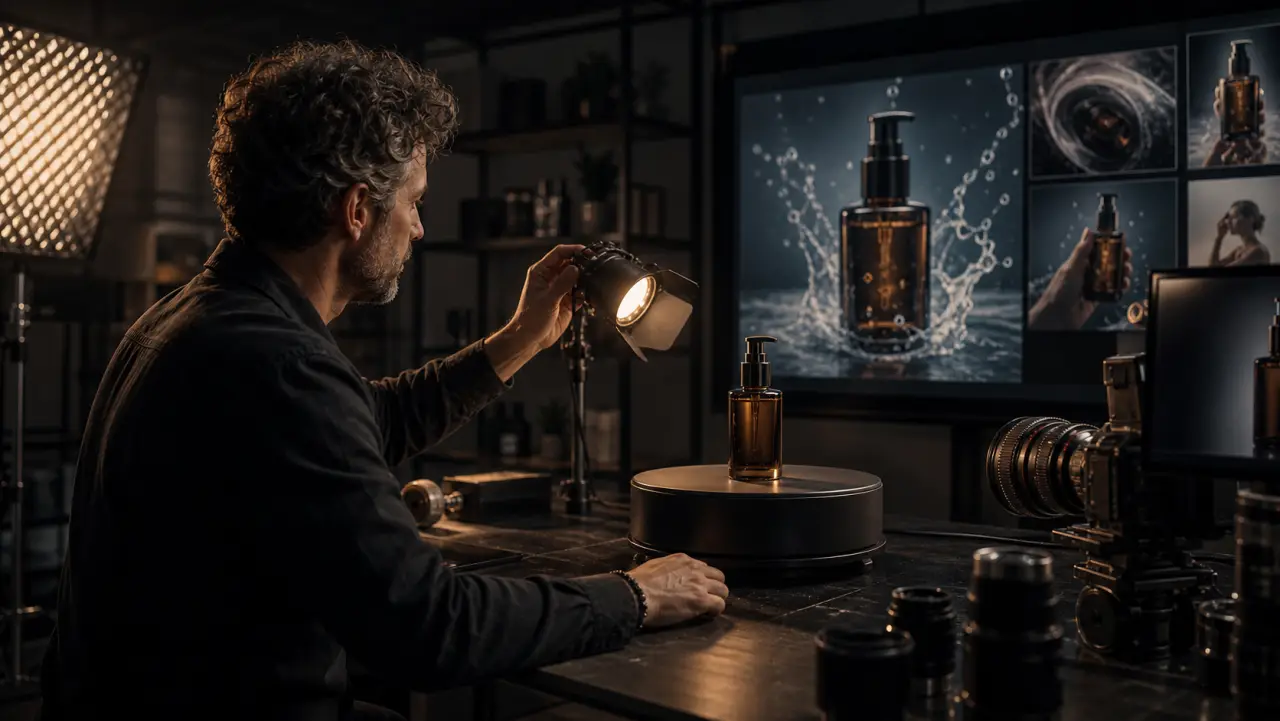
Hero shot Product front-and-center, dramatic lighting, clean background Nano Banana Pro (image) → Kling (subtle animation)
360° orbit Camera circles the product, revealing all angles Kling 2.6 (orbit camera preset)
Detail close-up Macro view of texture, material, craftsmanship Nano Banana Pro at 4K
Lifestyle in-context Product in its natural use environment Nano Banana Pro (scene) → Veo 3.1 (video)
In-use demonstration Hands interacting with the product Kling 2.6 (motion brush for hand movement)
Unboxing reveal Product emerging from packaging Veo 3.1 (physics + audio for packaging sounds)
Scale reference Product next to recognizable objects for size context Nano Banana Pro
Flat lay / knolling Overhead arrangement of product + accessories Nano Banana Pro

For a 15-30 second product ad, you typically need 3-5 of these shots combined with text overlays and a CTA.


Workflow 1: Product Photo to Hero Video

Start with what most brands already have — a product photo.

Step 1: Enhance and Reimagine the Product Image

Upload your existing product photo to Nano Banana Pro and generate improved versions:

Nano Banana Pro prompt (with product photo uploaded):
"Take this product and create a premium product photography shot.
Place it on a white marble surface with soft studio lighting from
the upper left. Dramatic shadow cast to the lower right. Shallow
depth of field. The product should be the hero — nothing else
competes for attention. E-commerce product photography style,
ultra-sharp detail, 4K resolution. Maintain the exact appearance,
colors, and labels of the original product."

Generate 3-4 variations with different surfaces and lighting:

Variation 2: "Same product, now on a dark slate surface with
moody side lighting. Low-key dramatic product photography."

Variation 3: "Same product in a lifestyle setting — on a bathroom
shelf next to a small plant, warm natural light, morning routine
context. The product is in focus, background slightly blurred."

Variation 4: "Same product, flat lay overhead composition on a
linen surface with complementary props — small towel, dried
eucalyptus sprig, cotton rounds. Soft even lighting, no shadows."

Step 2: Animate the Hero Shot

Take your best hero image and animate it in Kling for a subtle product reveal:

Kling settings:
Start image: Hero product shot
Camera: Orbit Right (intensity: 15%) + Push In (intensity: 10%)
Duration: 4 seconds
Prompt: "Subtle camera movement revealing the product details.
The only movement is the camera — the product is completely
stable on the surface. Premium, elegant, commercial."

The low-intensity orbit creates a mesmerizing "slowly revealing" effect perfect for catching attention in a scroll feed.

Step 3: Generate Supporting Shots

For a complete product video, generate 2-3 additional shots:

In-use demonstration:

Nano Banana Pro (keyframe):
"A woman's hands applying cream from [the product]. Close-up of
hands, the product jar open on a marble surface beside them.
Soft bathroom lighting. Beauty editorial style."

→ Kling (animation):
Camera: Static, slight push in
Motion brush: Paint over the hands only — gentle application motion
Duration: 3 seconds

Lifestyle context:

Nano Banana Pro:
"[The product] sitting on a sunlit bathroom shelf. Morning light
streaming through frosted glass window. Eucalyptus hanging from
the shower head in the background, blurred. The product is the
focal point. Aspirational, calm, premium."

→ Veo 3.1 (animation):
"Gentle morning light shifts slowly. Slight steam or mist in the
air. Soft ambient bathroom sounds — water dripping distantly.
Static camera, locked off. Meditative, premium."
Duration: 4 seconds

Step 4: Assemble in Post

Timeline structure for 15-second product ad:

0:00-0:03  HOOK — Hero orbit shot with text overlay: "Your skin deserves this"
0:03-0:06  PRODUCT DEMO — Hands applying, close-up
0:06-0:10  LIFESTYLE — Product in beautiful context + key benefit text
0:10-0:13  SOCIAL PROOF — Text overlay: "50,000+ happy customers"
0:13-0:15  CTA — Product image + "Shop now" + brand logo

Audio: Soft trending audio or generated music bed (Suno/Udio)
Captions: Large, centered, platform-native style

Workflow 2: Product URL to Video Ad (Automated)

For maximum speed, use the fully automated pipeline.

Creatify AI Workflow

Step 1: Paste your product page URL
   → Creatify scrapes: product images, name, description,
      price, reviews, key benefits

Step 2: Select ad format
   → Product Showcase / UGC Testimonial / Problem-Solution
   → For product videos, select "Product Showcase"

Step 3: Review extracted content
   → Verify product name, key benefits, pricing
   → Edit or rewrite any auto-generated copy
   → Select which product images to feature

Step 4: Choose visual style
   → Clean/minimal, lifestyle, dramatic, editorial
   → Select background environments from library
   → Or upload custom backgrounds from Nano Banana Pro

Step 5: Generate ad variants
   → Generate 3-5 variants with different hooks and visual arrangements
   → Each variant is a complete, platform-ready video

Step 6: Export
   → 9:16 for TikTok/Reels
   → 4:5 for Instagram feed
   → 16:9 for YouTube/website

When this workflow works: Fast-moving e-commerce catalogs where you need to produce 10-50 product videos per week. DTC brands launching multiple SKUs. Seasonal variant creation (same product, holiday backgrounds).

When to go custom instead: Premium brands where visual identity matters, products requiring physical demonstration, complex products needing explanation, and any brand-level campaign content.


Workflow 3: Lifestyle Product Video (Full Production)

For the highest quality product content — the kind that appears on brand websites, in launch campaigns, and in premium social feeds.

This follows the ingredient-based pipeline from Course 1, applied specifically to product content.

The Product Ingredient Package

/product-campaign/
  /product-refs/
    product-front.png          ← Clean, high-res product photo
    product-angle.png          ← 45-degree angle
    product-detail.png         ← Macro texture/label
    product-in-hand.png        ← Scale reference
  /environments/
    bathroom-morning.png       ← Primary lifestyle context
    vanity-setup.png           ← Secondary context
    flat-lay-arrangement.png   ← Overhead composition
  /brand/
    color-palette.md           ← Hex codes
    style-guide-prefix.md      ← Brand prompt prefix
    brand-fonts.md             ← Typography specs for overlays
  /keyframes/
    shot-01-hero-keyframe.png
    shot-02-demo-keyframe.png
    shot-03-lifestyle-keyframe.png

Generation Sequence

Shot 1 — Hero Reveal (Kling):
Keyframe: Product on marble, dramatic lighting
Camera: Slow orbit right + push in
Duration: 4s

Shot 2 — In-Use Demo (Kling):
Keyframe: Hands with product, bathroom counter
Motion brush: Hands only — application motion
Camera: Static, slight push in
Duration: 3s

Shot 3 — Lifestyle Context (Veo 3.1):
Keyframe: Product on sunlit bathroom shelf
Full scene animation: light shifts, steam movement
Native audio: ambient morning sounds
Duration: 5s

Shot 4 — Results / Social Proof (Static + Motion):
Nano Banana Pro: Before/after or benefit visualization
Animate: Simple text reveal in post-production
Duration: 3s

Shot 5 — CTA (Post-Production):
Brand end card with logo, product, and call-to-action
Duration: 2s

Post-Production for Product Videos

Product video post-production has specific requirements beyond general editing:

Color consistency is critical. The product must look identical across all shots — same color, same material finish, same label appearance. This means aggressive color matching in your grade. Use a vectorscope to ensure the product's key colors (brand colors, label colors) hit the same values across every clip.

Text overlays drive conversion. Product videos live and die by their text — benefit callouts, pricing, social proof numbers, and CTAs. Use large, bold, high-contrast typography. Platform-native caption styles (TikTok's auto-captions aesthetic) perform better than "designed" typography on social platforms.

Sound design matters for products. The sound of a bottle cap clicking, a cream jar opening, fabric rustling, or liquid pouring adds tangible quality to abstract products. Source these from Freesound.org or generate via Veo 3.1's native audio. Layer them precisely to match visual action.


Practical Exercise

Exercise: Produce a 15-Second Product Video

Choose a physical product you own (skincare, coffee, gadget, anything) and:

  1. Photograph it with your phone from 3 angles (front, 45°, detail)
  2. Upload to Nano Banana Pro and generate 3 hero shots (different surfaces, lighting)
  3. Generate 1 lifestyle context shot (product in a relevant environment)
  4. Animate your best hero shot in Kling with a subtle orbit (15-20% intensity)
  5. Assemble hero orbit + lifestyle shot + text overlay CTA in any video editor
  6. Export at 9:16 for Reels/TikTok

Total time target: under 2 hours for the complete video.


Key Takeaways

  • The product video shot list (hero, orbit, detail, lifestyle, demo, unboxing, flat lay) provides a systematic framework — you don't need all shots for every project, but you should know which ones your campaign needs.
  • Product photo → Nano Banana Pro → Kling orbit is the fastest path to a compelling product video.
  • Creatify's URL-to-ad pipeline works for volume but not for premium brand work. Use it for catalog-scale production, go custom for hero content.
  • The product must look identical across shots — color matching in post is non-negotiable for product video.
  • Text overlays and sound design are what separate "product content" from "product ads that convert."

References & Resources

Copied to clipboard