JSON Context Profiles and Brand Case Studies
The AJCP Method (AI JSON Context Profile)
The AJCP method turns your creative direction into a reusable, shareable system. Instead of writing prompts from scratch each time, you define a JSON context profile that encodes your entire visual language.
The 2-Step Workflow
- Define your context profile — a JSON object that captures scene, camera, lighting, color grading, mood, and imperfections.
- Reference the profile in every prompt — paste or load the JSON as context before your specific shot description.
Example JSON Context Profile
{
"project": "Autumn Editorial Campaign",
"scene": {
"setting": "abandoned European greenhouse",
"time_of_day": "late afternoon",
"season": "mid-autumn",
"props": ["overgrown vines", "cracked glass panels", "weathered wooden tables"]
},
"camera": {
"body": "Hasselblad X2D 100C",
"lens": "80mm f/1.9",
"film_simulation": "Kodak Portra 400",
"aperture": "f/2.0",
"focus": "subject eyes, shallow DOF"
},
"lighting": {
"key": "natural window light, diffused through dirty glass",
"fill": "bounce card camera-left for subtle shadow fill",
"accent": "practical light from vintage Edison bulb in background",
"quality": "soft, directional, warm"
},
"color_grading": {
"palette": "muted earth tones with desaturated greens",
"shadows": "cool blue-grey",
"highlights": "warm amber",
"contrast": "medium-low, lifted blacks",
"saturation": "70% of natural"
},
"mood": {
"emotional_tone": "nostalgic solitude",
"energy": "quiet, contemplative",
"references": ["Andrew Wyeth paintings", "Terrence Malick cinematography"]
},
"imperfections": {
"film_grain": "subtle, organic",
"lens_artifacts": "slight vignetting, minor chromatic aberration at edges",
"skin": "visible pores, natural texture, no airbrushing",
"environment": "dust particles in light beams, imperfect surfaces"
}
}
Practical Workflow for Creative Directors
Follow these five steps to integrate context profiles into your production pipeline:
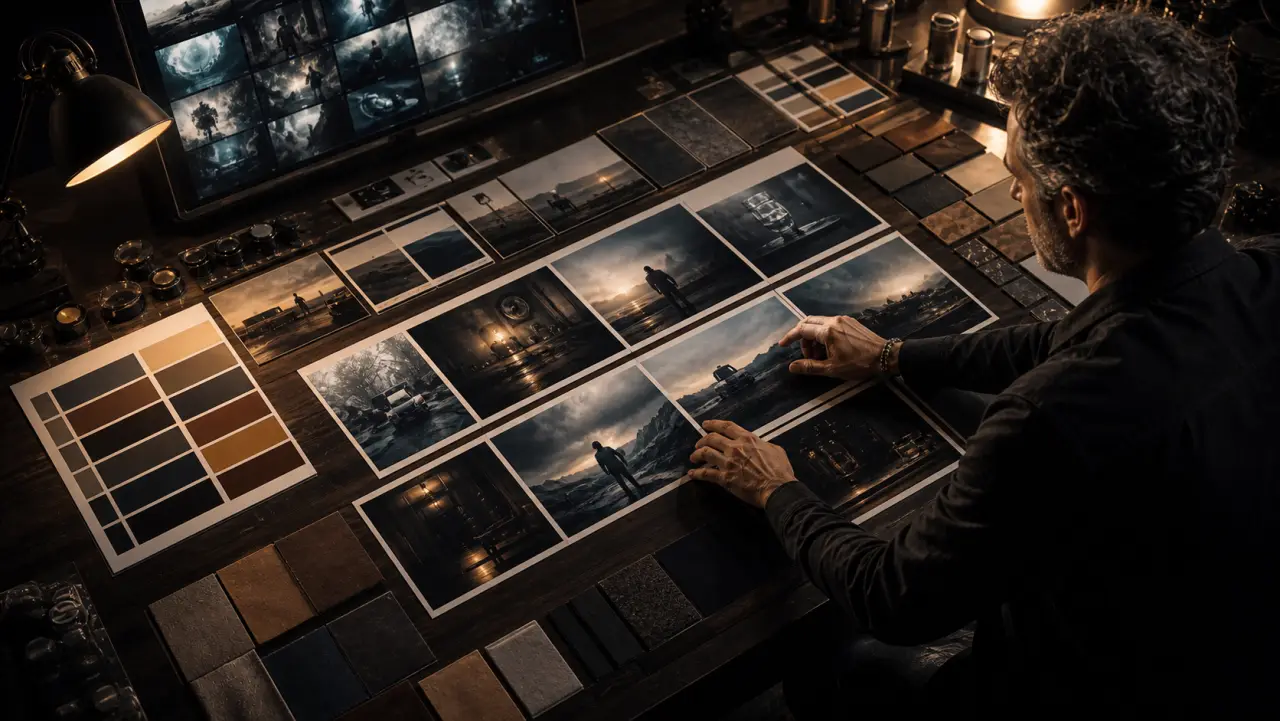
- Mood board first — Collect 10-20 reference images that define the visual world. Extract the common elements into JSON fields.
- Build the profile — Write your JSON context profile. Be specific about camera, lighting, and color. Vague profiles produce vague results.
- Test with a hero shot — Generate your most important image first. If the profile doesn't nail the hero shot, refine the profile before moving on.
- Batch with variations — Once the profile is dialed in, generate the full shot list. The profile ensures visual consistency across dozens of images.
- Iterate the profile, not individual prompts — If something is off across multiple images, fix it in the profile. If it's off in one image, fix it in that image's specific prompt.
Jamey Gannon Workflows
Jamey Gannon, a leading AI creative director, has developed several workflows worth studying:
- Mood board first — Always start with a curated collection of reference images before touching any AI tool. The mood board IS the brief.
- Test individual SREFs — When working in Midjourney, test style references one at a time to understand what each contributes before combining.
- Layer personalization codes — Use Midjourney's
--pcodes in combination with SREFs to create layered, unique aesthetics that can't be easily replicated. - Crop to remove unwanted elements — Rather than re-generating, crop the image to eliminate edge artifacts or unwanted compositional elements. Faster and preserves what works.
- Gemini as "Photoshop you can speak to" — Use Gemini's multi-turn editing for refinements that would traditionally require Photoshop: color adjustments, element removal, background changes, expression tweaks.
Brand Case Studies
Real brands are already using AI image generation at scale. Here's what the results look like:
| Brand | Use Case | AI Tool(s) | Result |
|---|---|---|---|
| Zalando | On-model fashion imagery at scale | Custom pipeline + Midjourney | 95% cost reduction on model photography; A/B tests showed equal or higher CTR vs. traditional photos |
| Coca-Cola | "Masterpiece" campaign — classic art styles applied to product | DALL-E + custom fine-tuning | Award-winning campaign; demonstrated AI as creative partner, not replacement |
| Heinz | "A.I. Ketchup" — showed AI recognizes their brand iconography | DALL-E 2 | Viral social campaign; proved brand equity translates into AI outputs |
| Mango | Virtual model campaigns for seasonal lookbooks | Midjourney + Photoshop | 30% faster campaign turnaround; expanded creative range without additional model bookings |
| Nutella | 7 million unique jar designs for limited edition | Custom generative algorithm | Every jar sold; personalization at scale impossible without AI |
| Wayfair | Room scene generation for product contextualization | Custom pipeline + Stable Diffusion | 5x increase in product imagery output; customers engage more with styled room scenes |
Key Takeaways
- Brands using AI most effectively treat it as a production multiplier, not a creative replacement.
- The best results come from teams that combine strong art direction with AI generation — not from AI alone.
- A/B testing consistently shows AI-generated imagery performs at parity with or better than traditional photography when properly directed.
Exercise
Build Your Brand Profile
- Choose a brand (real or fictional) and collect 10 reference images that define its visual identity.
- Write a complete JSON context profile for that brand.
- Generate 5 different shots using the same profile: a hero image, a product detail, an environmental shot, a lifestyle scene, and a social media crop.
- Evaluate visual consistency across all 5. Would these feel like they came from the same campaign?
- Refine your profile based on what you learned and regenerate.
Inquiry