Advanced Techniques and Platform Comparison
Google Search Grounding
Gemini can ground its generation in real-world knowledge via Google Search. This is useful for generating images of real locations, current fashion trends, or specific products:
import google.generativeai as genai
from PIL import Image
import io
import os
genai.configure(api_key=os.environ["GEMINI_API_KEY"])
model = genai.GenerativeModel(
"gemini-3-pro",
tools=[genai.Tool(google_search=genai.GoogleSearch())],
)
response = model.generate_content(
"Search for the architectural style of the Vessel building in "
"Hudson Yards, New York City. Then generate a photorealistic image "
"of a similar honeycomb-structured building at sunset, shot from "
"street level with a 24mm wide-angle lens, warm golden light, "
"pedestrians for scale.",
generation_config=genai.GenerationConfig(
response_mime_type="image/png",
),
)
image_data = response.candidates[0].content.parts[0].inline_data.data
result = Image.open(io.BytesIO(image_data))
result.save("grounded_output.png")
When to use grounding: Whenever your prompt references specific real-world subjects, current events, recent products, or locations you want the model to "look up" before generating.
Gemini vs. Midjourney Comparison
| Dimension | Gemini | Midjourney V7 |
|---|---|---|
| Text Rendering | Excellent — reliably renders paragraphs of text in images | Poor — struggles beyond 2-3 words |
| Instruction Following | Excellent — handles complex, multi-part prompts precisely | Good — improved in V7 but still misses nuanced instructions |
| Multi-Turn Editing | Native — conversational refinement is a core feature | None — each generation is independent |
| Artistic Style | Good — capable but tends toward photorealism | Excellent — unmatched aesthetic quality and "Midjourney look" |
| Max Resolution | 1920 x 1080 natively | 2048 x 2048 natively (higher with upscale) |
| Character Consistency | Strong — multi-turn + reference images maintain identity well | Moderate — oref helps but identity drift is common |
| Cost | ~$0.002–$0.03/image (API) | $10–$60/month subscription (unlimited at higher tiers) |
When to Use Each
Use Midjourney When:
- You need maximum aesthetic quality and artistic style.
- The image requires a specific artistic mood that Midjourney excels at.
- You're doing rapid ideation and want to generate many variations quickly.
- The project demands a particular "look" that Midjourney's style engine delivers.
- You're working with personalization codes and curated style references.
Use Gemini When:
- The image needs text rendered correctly (signage, labels, titles).
- You need to iteratively refine an image through conversation.
- You're working with multiple reference images (up to 14).
- You need programmatic access via API for automation pipelines.
- Cost matters — Gemini is dramatically cheaper at scale.
- You need character consistency across many images.
Use Both When:
- Generate the initial concept in Midjourney for aesthetic quality.
- Refine specific elements (text, details, consistency) in Gemini.
- Use Gemini for bulk production, Midjourney for hero/key visuals.
Multi-Image Workflows
1. Style Transfer Pipeline
Generate a base image in one style, then use Gemini to systematically apply different style treatments:
- Generate your hero image in Midjourney with your ideal composition.
- Load it into Gemini as a reference.
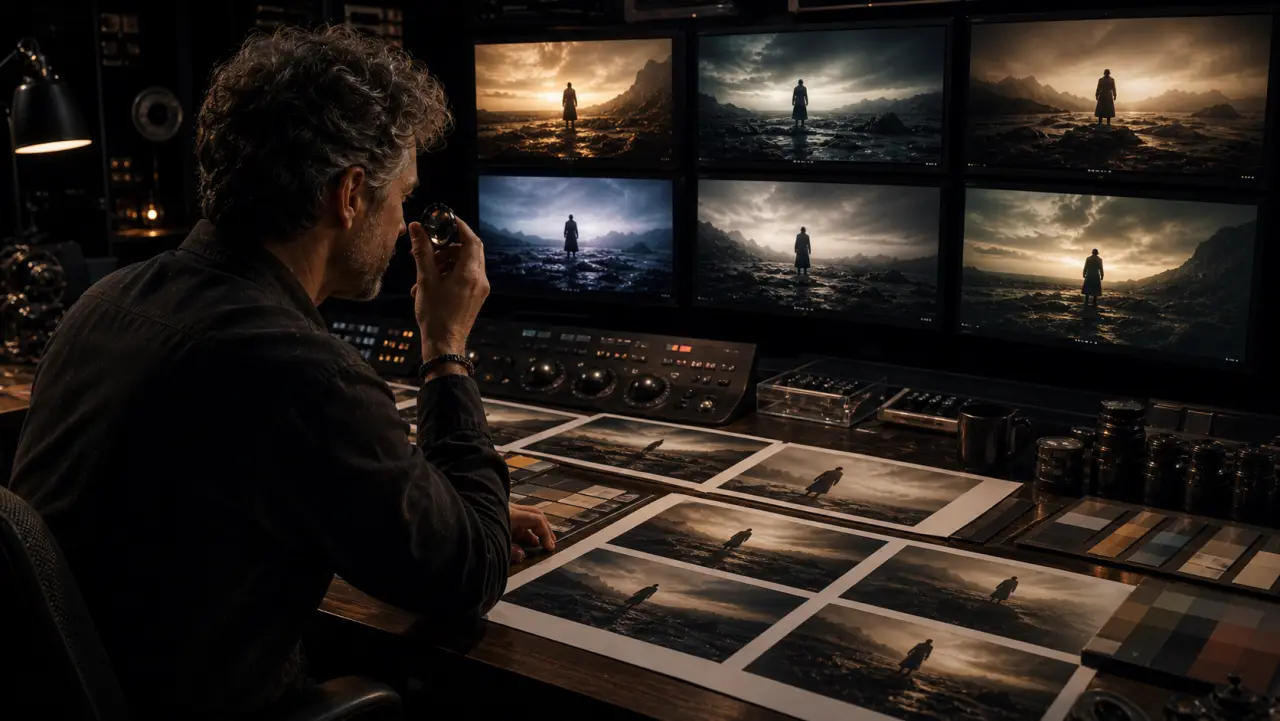
- Use multi-turn editing to create variations: "Apply a warm vintage film grade" → "Now make it cooler and more clinical" → "Now apply a high-contrast black and white treatment."
- You now have 4+ stylistic versions from a single base composition.
2. Scene Composition
Build complex scenes by composing elements:
- Generate individual elements separately (character, background, props).
- Use Gemini with all elements as references: "Combine these elements into a single coherent scene."
- Refine through multi-turn conversation: adjust positioning, lighting, scale.
3. Brand Consistency Pipeline
Maintain visual consistency across a campaign:
- Define your brand's visual profile in a JSON context (Lesson 2).
- Generate key reference images that nail the brand look.
- Use those references in every subsequent generation across both platforms.
- Gemini's multi-image reference (up to 14 images) is particularly strong for this — feed it your approved brand images as references.
Exercise
Cross-Platform Workflow
- Choose a product or brand concept.
- Generate 3 hero images in Midjourney using art-directed prompts.
- Pick your favorite and load it into Gemini as a reference.
- Use Gemini multi-turn editing to create 5 variations: different lighting, color grades, backgrounds, and text overlays.
- Generate 3 more images in Gemini using your Midjourney hero as a style reference.
- Arrange all images in a grid. Do they feel like a cohesive campaign?
- Calculate the cost difference between generating everything in Midjourney vs. the hybrid approach.
Inquiry